Full Long Screenshot Capture
Stop juggling multiple apps. Capture long conversations, full webpages, and custom screen areas with one powerful tool that delivers crystal-clear results every time.
Everything you need in one simple app
Auto-Scrolling Screenshots
Capture entire webpages, chats, and social feeds automatically. Just scroll and watch as the app stitches everything together seamlessly – no manual work or missing details.
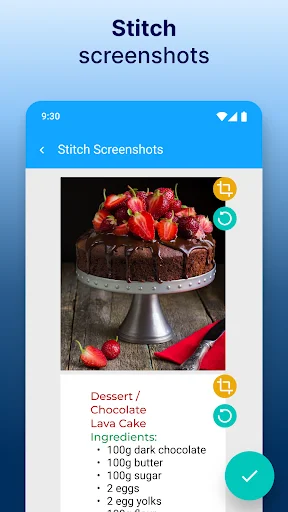
Combine Screenshots Instantly
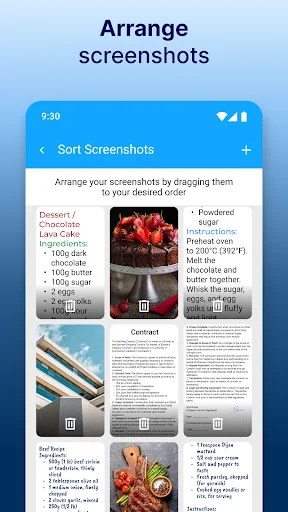
Merge multiple screenshots into one polished image. Create professional presentations, detailed reports, or shareable content that impresses your audience with just a few taps.
Precision Snipping Tool
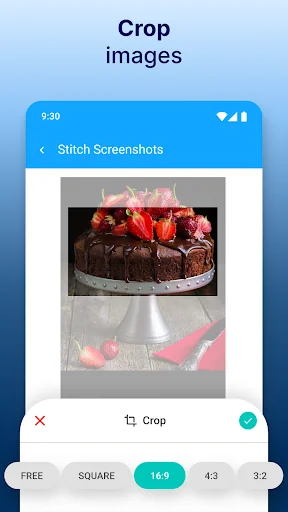
Select and capture exactly what you need from any screen. Perfect for sharing specific content with friends or highlighting important information without extra clutter.
Full Webpage Capture
Save complete websites in high quality for later. Keep recipes, articles, and product pages at your fingertips – browse confidently knowing nothing gets lost.
Screenshot Capture For Android!
Are you tired of struggling with multiple apps for capturing screenshots and screen recording on your Android device? Look no further! Introducing Long Screenshot Capture For Android, the all-in-one mobile solution for your screen capture and recording needs.🏆
Long Screenshot Capture For Android Key Features:
- Snipping Tool For Android;
- Scrolling Screenshot;
- Website Screenshot;
- Screenshot Stitching;
- Fast Screen Shot Processing;
- Share With Ease;
- Screenshot Maker Pro.
Long Screenshot Capture for Android:
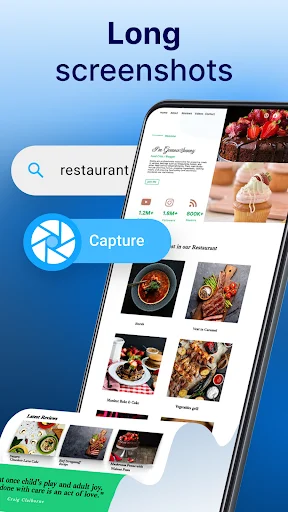
With the Snipping Tool App, you can effortlessly capture full-screen scroll screenshot pages. Whether it's a long chat conversation, a social media feed, or a webpage, this app allows you to take seamless long screenshots on your Android device.
Snipping Tool For Android:
Need to capture a specific area of your screen? The snipping tool app's feature in Scroll Screenshot lets you do just that. Select the area you want to capture, and the app will quickly generate it. Screen Capture is perfect for highlighting specific content or sharing snippets with friends and colleagues.
Snipping Tool - Screen Shot Like A Pro!
Say goodbye to complexity and hello to effortless screen capture and recording with Screen Shot Tool! No more worrying about missing out on important details with the Screenshot Stitching Tool!
Scrolling Screenshot:
Capture entire web pages or lengthy chats with Snipping Tool For Android - scrolling screenshot functionality. Scroll Screenshot Stitching together multiple shots automatically as you scroll, giving you a comprehensive view of the content. Say goodbye to the hassle of capturing multiple screenshots manually with the Long Screenshot Capture For Android!
Website Screenshot:
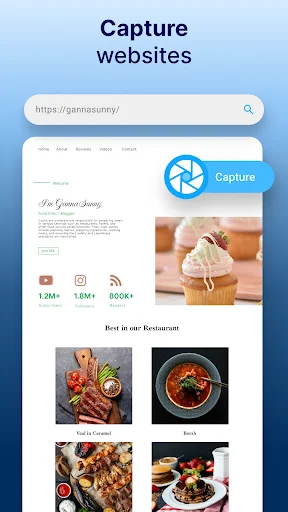
Capture full-size web pages in high quality with a Scroll Screenshot. Whether you want to save a recipe, an article, or a product page for later reference, this Snipping Tool makes it easy to take snapshots of entire websites. Browse confidently, knowing you can capture any webpage with just a few taps.
Screenshot Stitching:
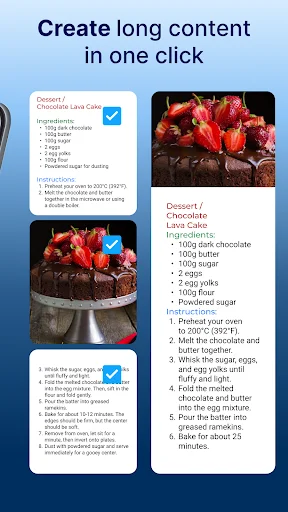
Combine multiple screenshots into a single image effortlessly with the Long Screenshot Capture For Android stitching feature. Whether you're creating a collage, a presentation, or a detailed report, this app makes it easy to merge screenshots into a cohesive visual representation. Impress your audience with polished and professional-looking compositions!
Download Screenshot Maker Pro Today and Capture, Record, and Share Like a Pro!
Get ready to revolutionize your Android screen capture and recording experience with Snipping Tool For Android. Say hello to effortless screen capture and recording with Screenshot Maker Pro—your ultimate Android screen capture tool! 📸🚀📹
See the app in action
Loved by thousands of Android users
I didn't have to work with Full Long Screenshot long to realize it was better than the other screenshot apps I've used. For some reason, my other Screenshot apps have lost the ability to crop. My Internet was hacked a long time ago and it carried over to my cellphone. I see the crop screen appear, then disappear a few seconds later. Yours, however, works flawlessly. I highly recommend your app!!!!!!!!.
Actually I installed this App because the side buttons of my mobile phone a not working but literally this app is fantastic as I can capture the screenshots quickly just clicking the buttons I mean the options which are visible on the screen so now it's totally fine to take a screenshot now I don't have to search something else for taking screenshots ....it's so wonderful amazing app
I just bought the free from ads version. Worth it! The long shots are clear unlike some that gets blurred
easy interface. i like how you get to arrange the order of the screenshots taken. i recommend!
This is the only app I found that can combine multiple screenshots without big issues.
It takes fairly good shots of the screen , and is easy to use.