Screen Mirroring: TV Cast
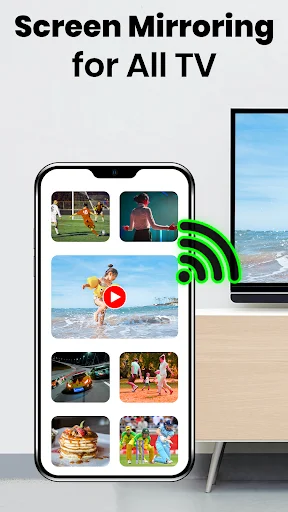
Stream photos, videos, games, and presentations from your phone to your television wirelessly. No cables, no complexity – just simple screen sharing that works.
Everything You Need for Effortless Screen Sharing
Connect in Seconds
Skip the cable hunt and complicated setup. Simply connect your phone and TV to the same Wi-Fi network, open the app, and start mirroring. Our streamlined process gets you sharing content in just a few taps.
Share Any Content
From family photos and streaming videos to mobile games and work presentations, cast all your favorite content to the big screen. Enjoy the flexibility to mirror whatever matters most to you.
Perfect for Every Occasion
Whether it's movie night with friends, showing vacation photos to family, gaming on a larger display, or presenting at work, transform any moment into a shared big-screen experience everyone can enjoy together.
Simple, Clean Interface
No technical expertise needed. Our easy-to-use controls and clear instructions make screen mirroring accessible to everyone. Connect, cast, and control your viewing experience with confidence.
Cast To TV Screen Mirroring App - Enjoy Your Phone Content On A Bigger Display!
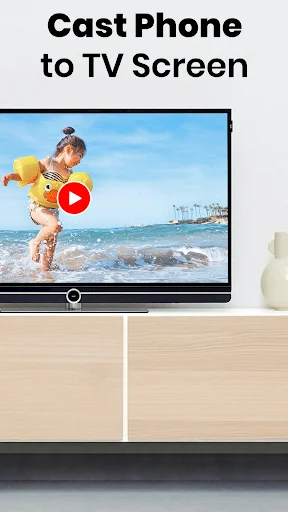
Cast To TV Screen Mirroring App helps you share compatible phone content with a television for a more comfortable viewing experience. Show photos, videos, presentations, documents, games, and other supported media without staying limited to a small mobile display.
Screen Sharing: TV Mirror App provides a simple way to connect compatible devices over the same Wi-Fi network. TV Cast: Share Screen keeps the process straightforward whether you are sharing entertainment, work content, or family memories.
Casting And Mirroring Features:
- Phone Mirror: Screen Casting App - Display compatible mobile content on a larger screen
- TV Mirroring: Screen Share - Share supported apps, media, and presentations
- Mirror Screen To TV - Connect compatible devices with a few simple steps
- Screencast: Connect Phone To TV - Use your wireless network for convenient pairing
- Mirror Cast: Connect To TV - Enjoy a clean interface with accessible controls
- Media Sharing - View supported videos, photos, audio, and documents
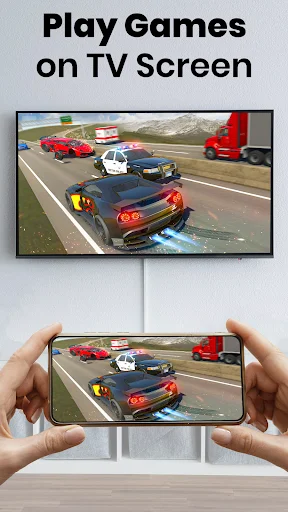
- Game Display - Enjoy compatible mobile games on a larger viewing area
- Orientation Support - Switch between portrait and landscape when available
Connect your devices, start sharing, and enjoy mobile content on a larger display!
Phone Mirror: Screen Casting App can be useful for movie nights, photo viewing, gaming, lessons, demonstrations, or business presentations. A stable network connection helps provide smoother performance during use.
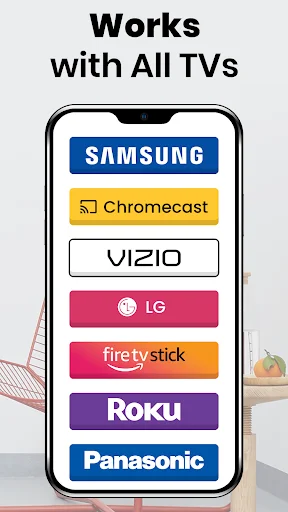
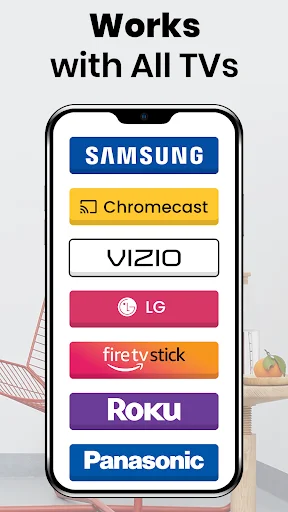
TV Mirroring: Screen Share works with compatible televisions and receiving devices that support wireless display technologies. Available functions can vary depending on your phone, receiver, network, and operating system.
How To Use:
- Connect your phone and compatible television to the same Wi-Fi network
- Open Mirror Screen To TV and enable the required wireless display option
- Use Screencast: Connect Phone To TV to search for available receivers
- Choose the compatible device you want to connect
- Start Mirror Cast: Connect To TV and wait for the connection to begin
- Open the photo, video, presentation, or supported content you want to show
- Stop sharing from the app controls when you are finished
Movies, Photos, And Media:
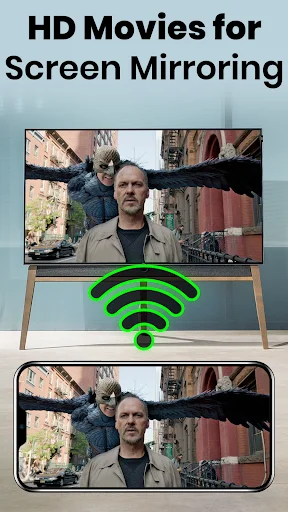
TV Cast: Share Screen makes it easier to enjoy supported entertainment without gathering around a small phone. Show family pictures, watch compatible videos, listen to audio, or present other media on a larger display.
Presentations And Documents:
Screen Sharing: TV Mirror App can also help when you need to present slides, documents, ideas, or demonstrations.
Games And Mobile Content:
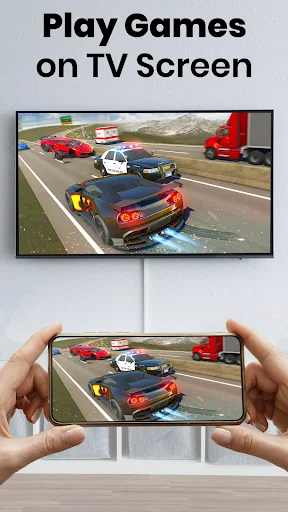
Cast To TV Screen Mirroring App can bring supported games and other phone activity onto a larger viewing area. Depending on the receiving device and network conditions, you can follow what is happening on your mobile screen in real time.
Simple Wireless Connection:
Screencast: Connect Phone To TV relies on compatible wireless display support for pairing. Keep both devices on the same network and turn off settings such as a VPN if they interfere with local discovery. Mirror Cast: Connect To TV works best with a strong and stable Wi-Fi connection.
Compatibility And Performance:
Mirror Screen To TV is designed for supported Android devices and compatible receivers. Connection quality, delay, available features, and media support can differ between models. TV Mirroring: Screen Share provides a convenient option when your equipment supports the required technology.
Share More Without Staying On A Small Phone Display!
Phone Mirror: Screen Casting App brings entertainment, presentations, photos, games, and other supported content to a larger viewing area.
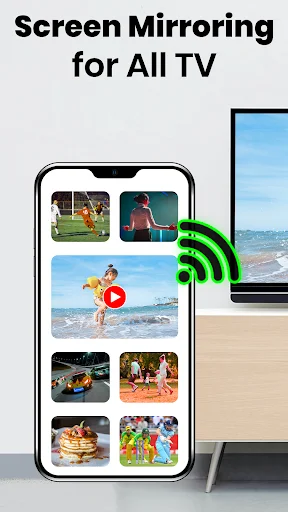
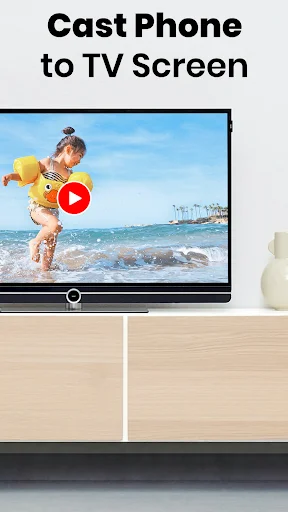
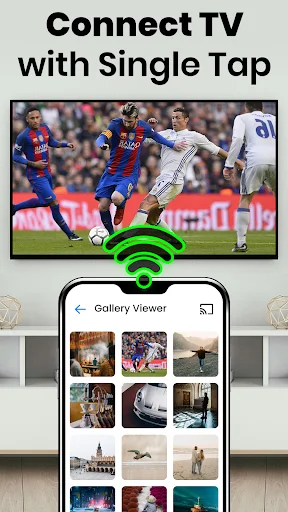
See How Easy Screen Mirroring Can Be
Join Thousands of Happy Users
Screen Mirroring for All TV it's amazing and great application Smart view of the TV screen mirroring for all tv without any issues. Moverover, this screen mirroring app comes with apowermirror and smart view so that users can Cast phone to a TV screen. I really like it 😎
Screen Mirroring for All TV is a mobile app developed by Brown Berry that allows users to mirror their smartphone or tablet screen onto any smart TV, streaming device, or gaming console, enabling wireless sharing of content, photos, and videos on a larger display.💪
Screen Mirroring for all tv app is great and amazing app this app allow you to mirror your smartphone screen on your smart tv in high quality.
Screen Mirroring for All TV is a very nice application. It's easy to use and easily to cast videos and movies on big screen.🚩
Screen mirroring for led is a very fantastic app. This app is really a life changer app. I use this while get together. 💪
Screen Mirroring for All TV is a beat application for cast mobile to TV screen .Really a greatfull application #